
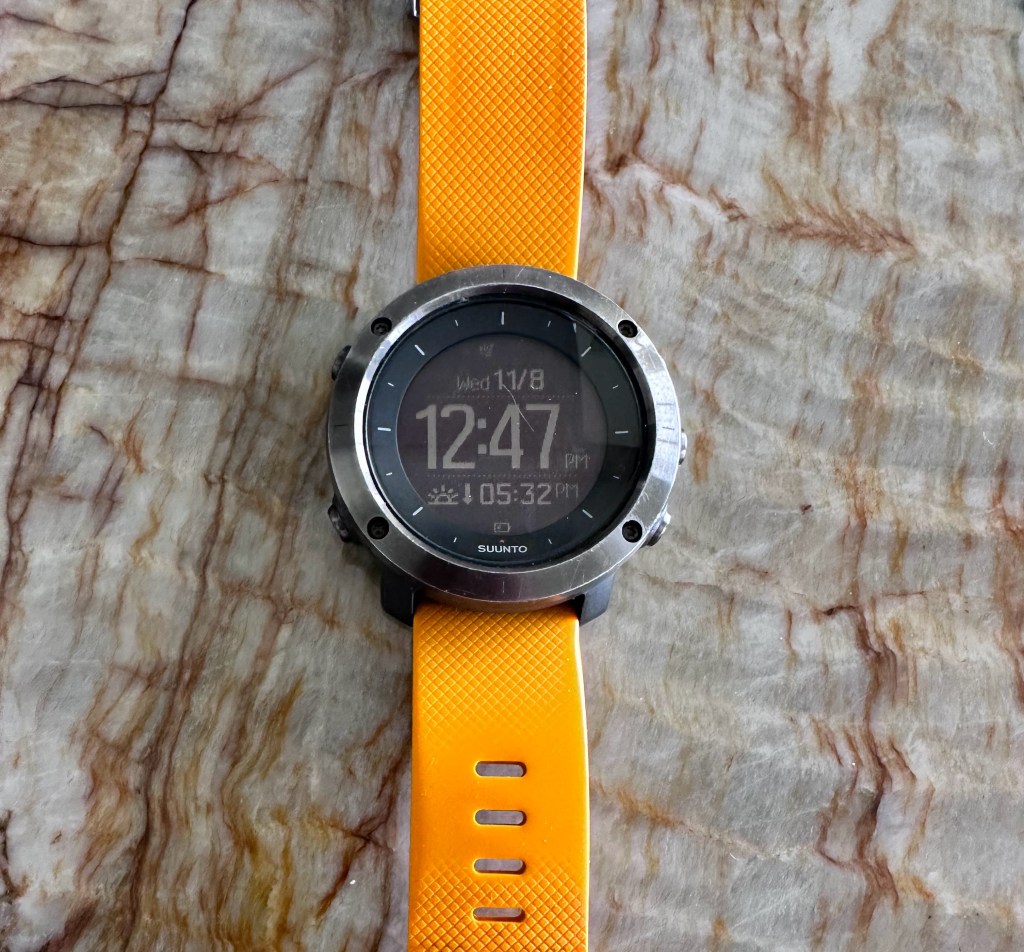
Back when COVID was a thing, I knew I was going to be paddling solo into the mangroves and I was never a person to wear a watch because they always felt so bulky or slid around on my thin wrists (A DNA drop from my French Mother, bless her heart). But the thought of getting turned around or lost in the mangroves made me rethink the watch. I just could not get comfortable relying on a phone, even though my iPhone 14 Pro was water resistant, or the thought of an expensive GPS tracker that is good at just one thing.
I’m not one who buys on impulse, so researching a product for me is usually the thrill of the hunt. I looked at several popular brands: Apple, Garmin, Suunto, G-Shock & Coros to keep the field simple. My three main criteria were: Sleek, Simple and battery-life. As a former technologist, I had tested a lifetime of products and I would say that 90% of all products on the market have way too many features of which a consumer will tend to use no more than 15% of those features. So why make things complicated for yourself. There is nothing worse than scrolling through pages of features to get to the one you need.
I have used Garmin products in the past, and they are awesome, but the one pet-peeve I have with Garmin is the short life-cycle of product support. G-Shock probably makes the coolest looking products, but that comes with bulk. I love Apple products but the 24 hour battery-life is not a good thing when out in the field. Coros was new to me and I will admit I knew little about this product. Although the battery life seemed great, users complained about the overall support and features not working properly.
A key product attribute for me was going to be the fit. So off to stores with REI being a favorite. I tried on all these products and the one that fit my wrist the best was the Sunnto line of watches. I know from experience that wearing anything on the wrist with a deep profile gets in the way of silkies, GoPro wrist bands, Gloves, etc.
I narrowed my selection down to the Suunto Traverse, rich in features I needed, at a price point that was just on the comfort side of expensive. Since I was going to be in a lot of salt water, the watch band on the Traverse is a sturdy, flexible rubber (adjusting to temperature shrinkage/expansion) and non-sweating– not to mention the cool orange color, which people notice.
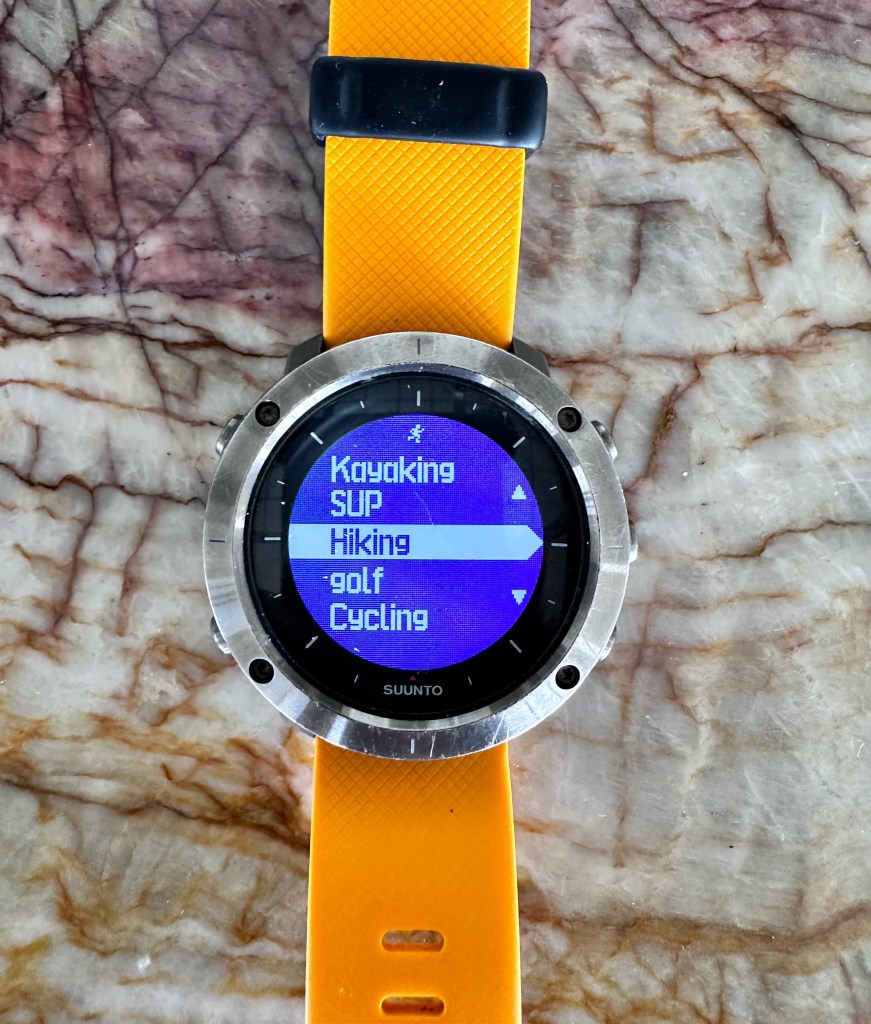
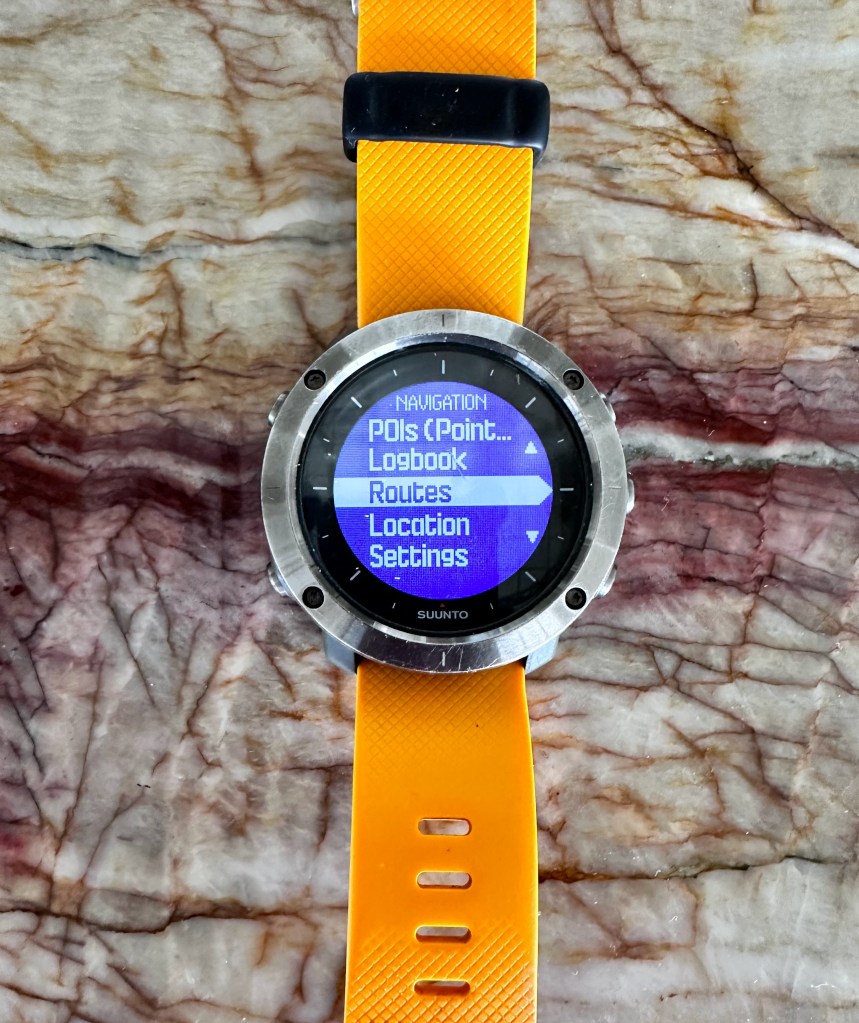
I needed simple features that were easy to get to and features I would use on a consistent basis: Display (I did not need color, which is a battery drain, Time Display that was large, Long Battery Life, Compass, Altitude/Barometer, Step counter, GPS navigation, Bread-crumb trail for back-tracking, Session and POI recording, Custom Activity Preferences (SUP, Kayak, Cycling, Trekking, Swimming) and most important–a robust software platform to dump captured data and aid in my filming.

The Suunto Traverse can do all of this and has other interesting features: Flashlight, Email/Text Alerts, Alarm, Duel Time, Stop Watch, Tones, Temperature, Water resistant to 100 m, Sunrise/Sunset, Logbook, but I find I am using about 30-40% of the overall features, on a consistent basis, which is very high for a product.
The battery life is about two weeks if you are not using GPS tracking on a daily basis and the charge time is a couple of hours (proprietary USB charging cable). There are some settings I would recommend to stretch out battery life, such as setting the bezel display to a black (off pixel) background and the time display to dim white. You can always toggle on the flashlight (cool feature) if there is too much glare, but I seldom ever need to do that. Setting up this way is like being in stealth mode. People see you looking at a dark bezel display as if only you can decipher the darkness.
I have been using this watch now for three years–– a heavy three years–– and this watch is tough. It has been banged on rocks, scraped along underwater reefs, run over (yes), dropped, stepped on and I have never had a problem or malfunction of features, except one (of two) band guides broke, but a quick order of replacements arrived from Amazon the next day. I did manage to scratch the glass after two days of owning it when I scraped it along our new quartz kitchen countertop, but that is the one and only time it scratched.

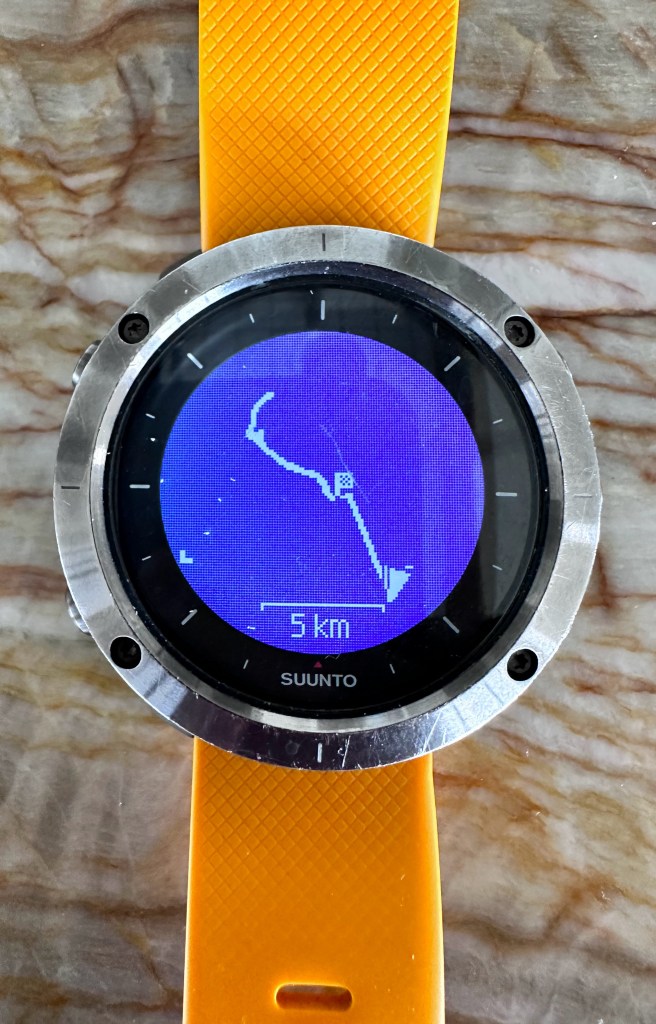
The Suunto Traverse has been a true lifesaver. I was SUP’ing with a friend along the central coast of FL in a place we were both unfamiliar, and weirdly, both of us forgot our phones and GPS tracker in the car. We were deep into the “Prongs” along the Space Coast, which are thousands of little mangrove islands of this ecosystem. Fortunately I had been GPS tracking with my Suunto and using the breadcrumb feature we could backtrack to the launch without even breaking a sweat.

So much for the watch itself. All these watches mentioned are great, but I love the Suunto App for dumpling data that I can see my progress over time. The app also has the ability to share your treks with other Suunto subscribers, look for trails others have mapped out and find other Suunto subscribers to join up with.
One of the coolest features of the app is the ability to play back a recorded trek though an animated view. Using the iPhone’s built-in ability to record desktop images/videos, you can play the animation of the Suunto App, record and save to file to be later used in any posts on social media.
Since the writing of this post, all these watch manfacturers have come out with new models with features much more advanced than my Suunto Traverse. Before buying any watch, answer these simple questions: 1) What activity(s) will you be doing most of; 2) Where will your activities be taking place; 3) What feels comfortable on your wrist; 4) And finally, what five features are most important.
As for me, As long as my Suunto Traverse keeps ticking, I have no need to move onto something new.


Great post, thank you. Another Suunto user here, not sure which model I have. An old one. I was wondering how you share the little animations of the route? I’ve never figured it out.
LikeLike
Yes–a great (undocumented) iphone feature. Go to Settings –> Control Center and scroll down to [Screen Recording] and turn this feature on. Make sure to add this feature to the INCLUDED CONTROLS section at the top of the Control Center screen. Once complete, It will appear with the other Control Center features such as flashlight. alarm. calculator, etc. It will appear as a video recording icon.
Start up your Suunto App and go to the animated trip recording, but before you play that back, you need to swipe down on your iphone screen to bring up the control center and start the Screen Recording feature of your iphone, first. Go back to the Suunto App and start the animation playback of your trip, then go back to the control center to stop the recording when finished. It will be saved to your files. I then use iMovie to trim the unnecessary start/stop frames of the recording.
below is a youtube video on installing the screen recorder feature on the iphone.
A very cool feature in iMovie is frame transparency. Here is a video I created using that feature with the Screen Recording of the map.
Hope this helps
David
LikeLiked by 1 person
Wow, thanks a million 😎
LikeLiked by 1 person